Photo Sharing Apps for Events: 10 Best Options in 2026

The best photo sharing apps for events make it easy for guests to contribute photos and videos without turning sharing into another task. For most weddings, birthdays, parties, and business events, the strongest options use a QR code that opens a browser-based upload page, avoiding app downloads and complicated setup.
But "no app required" is now common across dedicated event photo sharing apps. The real differences are upload limits, media quality, gallery retention, live displays, moderation, storage, and price.
Quick picks:
- Best for focused QR photo collection: GuestReel
- Best for a feature-rich wedding gallery: GUESTPIX
- Best for a live photo wall: Kululu
- Best for long upload and storage windows: GuestCam
- Best for live display plus event management: Fotify
- Best all-in-one wedding option: Wedibox
- Best for photos plus digital guestbook messages: EventShare
- Best for storing files directly in Google Drive: WedUploader
- Best free general-purpose option: Google Photos
- Best for simple file collection: Dropbox File Requests
There is no universal winner. The right choice depends on whether you want a focused photo collector, an interactive event gallery, additional wedding tools, or long-term control over your files.
Best Photo Sharing Apps for Events at a Glance
| Platform | Best for | Guest app/account | Important limit or storage detail | Price |
|---|---|---|---|---|
| GuestReel | Focused QR photo sharing | No guest app or account | 200 uploads/30-day storage on Premium; unlimited/90 days on Unlimited | Free trial; $39 or $69 one time |
| GUESTPIX | Feature-rich wedding galleries | No app or guest registration | Unlimited uploads; Classic has 3-month upload window and 12-month hosting | From $49 one time |
| Kululu | Live photo walls | No app | 50/500/unlimited uploads by plan; storage from 7 days to 1 year | Free; paid plans available |
| GuestCam | Long contribution windows | No app or guest account | Unlimited uploads; 6–12 month upload window | $49 or $97 one time |
| Fotify | Live display and event management | No app or guest account | Free plan: 50 photos/7 days; paid plans expand limits and retention | Free; paid per-event plans |
| Wedibox | All-in-one wedding tools | No app or login | Free: 50 uploads; paid upload windows from 3 months to 1 year | Free; $29, $49 or $79 one time |
| EventShare | Media plus guestbook messages | No app | 20/500/unlimited photos; up to 1 year access on paid plans | Free; $47 or $97 one time |
| WedUploader | Direct Google Drive storage | No guest login | Unlimited uploads; album does not expire | $39 one time |
| Google Photos | Familiar free sharing | Google-based collaboration | Up to 20,000 photos/videos per album | Free within Google storage |
| Dropbox File Requests | Collecting files into a folder | No uploader account required | Uses host's Dropbox storage | Depends on Dropbox plan |
Product details and pricing were checked against official provider information on August 7, 2026. Prices, promotions, limits, and features can change.
How We Compared Event Photo Sharing Apps
GuestReel publishes this guide and is included in the comparison. To keep the comparison useful, we applied the same core questions to every option:
- Guest experience: Does sharing require an app, account, or unfamiliar setup?
- Photo and video support: What can guests contribute, and how is media handled?
- Limits: Are uploads, guests, albums, or video restricted?
- Access and retention: How long can guests contribute, and how long does the gallery remain available?
- Host tools: Can the organizer moderate, display, organize, and download the collection?
- Price: What does a practical event plan cost?
We verified product information against current official pages rather than relying on competitors' comparison articles. We did not run every platform through an identical controlled test, so this is an editorial comparison of documented capabilities rather than a performance benchmark.
Terms such as "original quality," "full resolution," and "high quality" below reflect how each provider currently describes its service. If exact output quality matters for professional printing or editing, confirm the provider's current file specifications before purchasing.
The 10 Best Photo Sharing Apps for Events
1. GuestReel
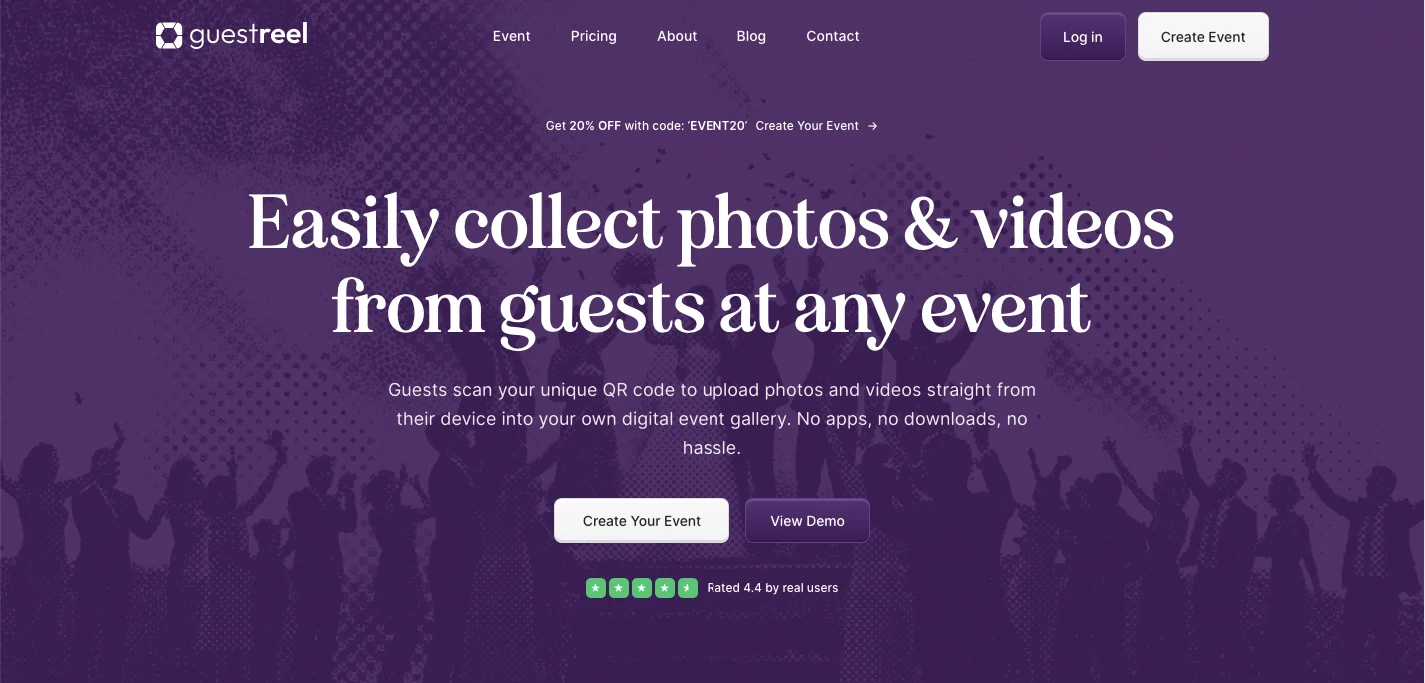
Best for: hosts who want a straightforward way to collect guest photos and videos without adding a larger wedding or event-management system.
Guest experience: Guests scan the event QR code or open its link and upload through their browser. GuestReel does not require guests to download an app or create an account.
Photo and video support: GuestReel collects both in one private event gallery and states that hosts can download media in original quality. It also provides one-click downloading and Canva templates for displaying the QR code.
Limits and retention: The current Premium plan supports up to 100 guests and 200 photos or videos, keeps media for 30 days, and remains active for uploads for 14 days after the event. Unlimited removes the guest and upload caps, keeps media for 90 days, and remains active for 30 days after the event.
Live display: GuestReel's core proposition is photo and video collection rather than a broad event-management suite.
Price: A seven-day trial is free. Premium costs $39 one time and Unlimited costs $69 one time. See the full GuestReel pricing for what each plan includes.
Main limitation: The retention period is shorter than platforms designed to host event galleries for six months or a year. Hosts should download their collection within the plan's storage window.
Verdict: GuestReel is a strong fit when the priority is a focused scan → upload → collect → download workflow rather than RSVPs, seating plans, guest social features, or extensive event management.
2. GUESTPIX
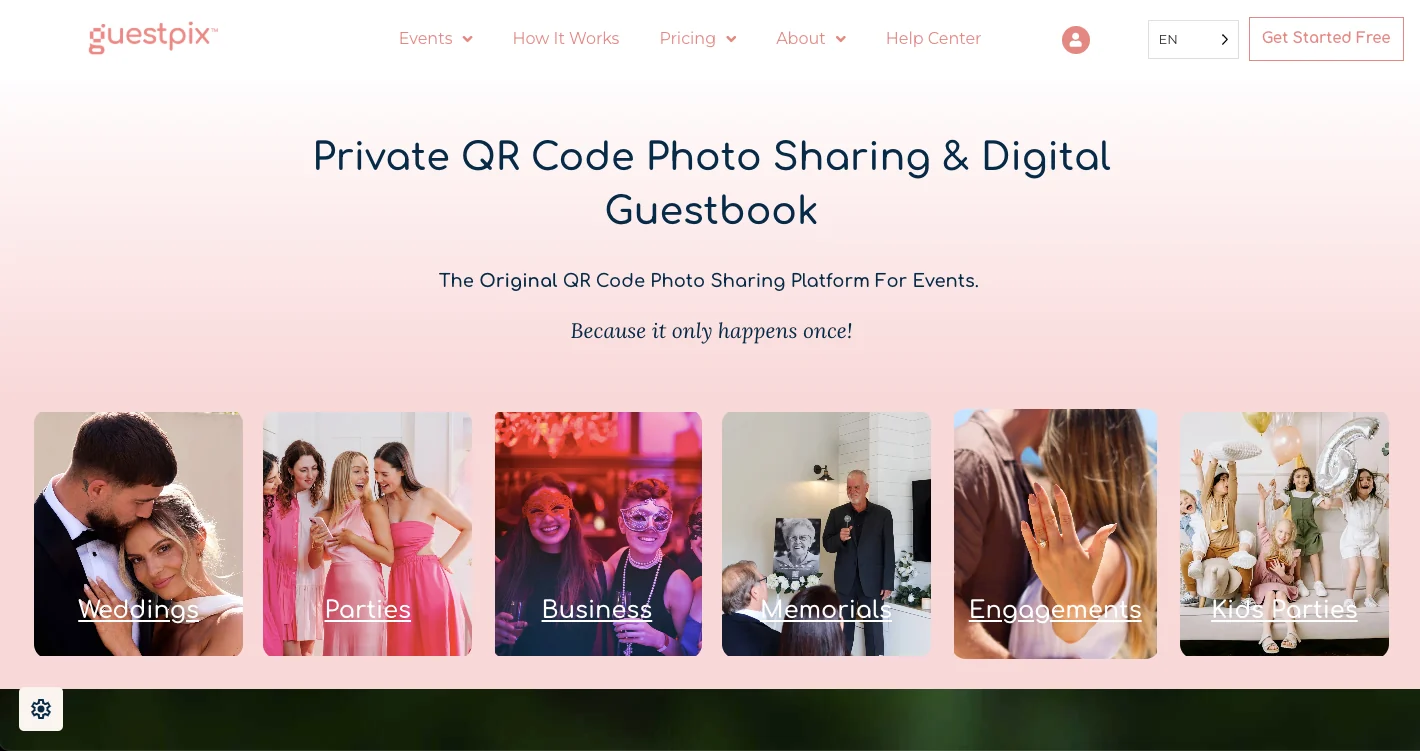
Best for: weddings where the shared gallery itself is part of the guest experience.
Guest experience: Guests can upload through a private QR code or link without downloading an app or registering.
Photo and video support: GUESTPIX currently advertises unlimited original-resolution photo and video uploads across its wedding packages, along with ZIP downloads.
Limits and retention: The $49 Classic package includes unlimited guests and uploads, a three-month upload window, and 12 months of gallery hosting. Higher packages extend the contribution window.
Live display and host tools: GUESTPIX includes a live slideshow, content moderation, guestbook functionality, private social interactions, albums, and more than 180 editable Canva templates.
Price: Wedding packages currently start at $49. Signature is $89 and extends the upload window to 12 months.
Main limitation: Its broader feature set may be more than you need if the only goal is collecting media and downloading it after the event. For a full breakdown, see our honest GuestPix alternative comparison.
Verdict: GUESTPIX makes sense for couples who want a more developed wedding gallery with moderation, guest interaction, presentation tools, and longer hosting.
3. Kululu
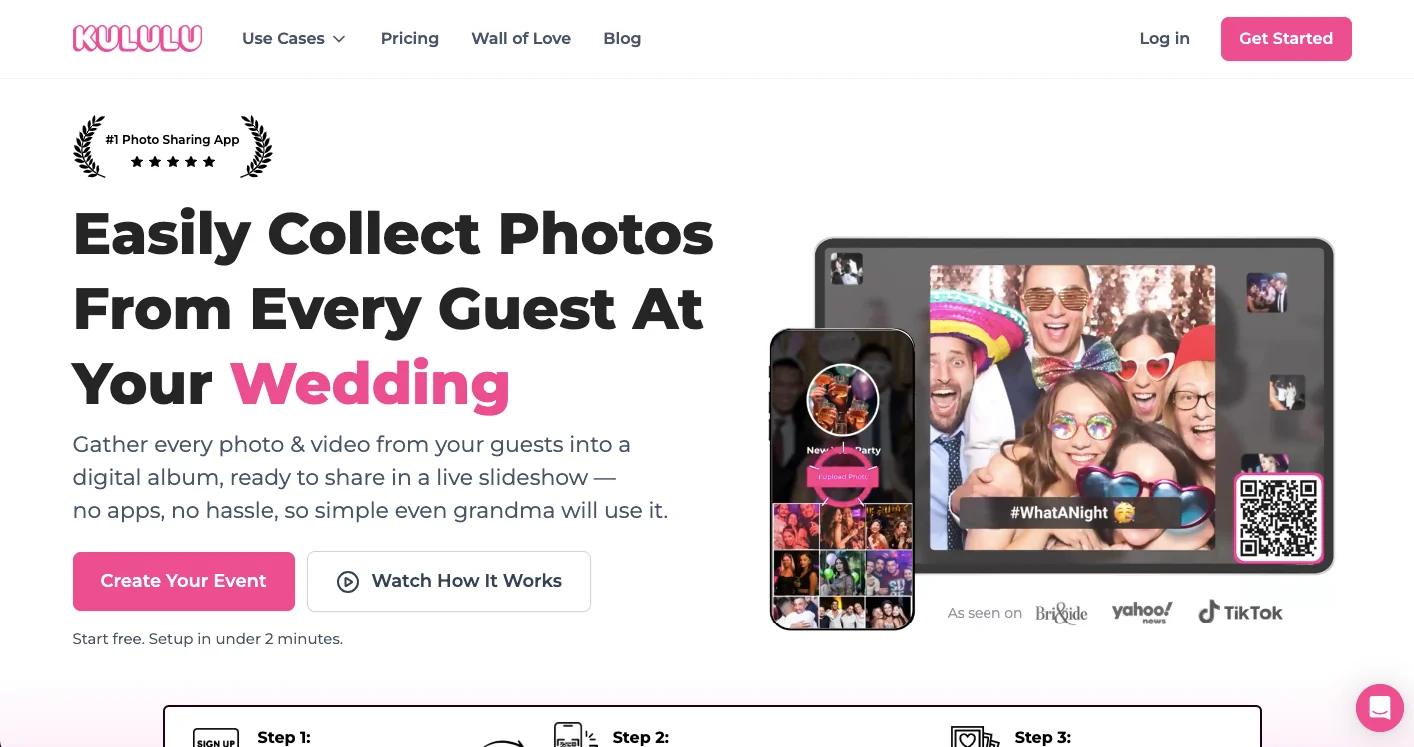
Best for: parties, weddings, conferences, and celebrations where guest photos should become part of the event itself.
Guest experience: Guests scan a QR code or open the event link and upload through the browser. No app is required.
Photo and video support: All plans accept photos and videos. The Free plan allows up to 50 uploads, Plus allows 500, and Pro offers unlimited uploads subject to Kululu's terms and fair-use policy.
Limits and retention: Free uploads remain available for seven days, Plus for three months, and Pro for one year. Upload activity windows also vary from 24 hours on Free to three months on Pro.
Live display and host tools: A live Photo Wall is included across plans. Pro adds moderation tools, while hosts can also manually remove inappropriate uploads.
Price: Kululu has a free plan plus one-time Plus and Pro plans. Its pricing page was displaying a temporary 50% promotion when checked, so verify the current checkout price rather than relying on the promotional figure in an evergreen comparison.
Main limitation: The lower plans have relatively short upload or storage periods compared with tools built around long post-event collection. For a full breakdown, see our honest Kululu alternative comparison.
Verdict: Kululu is particularly compelling when seeing guest photos appear on a screen during the celebration is a priority.
4. GuestCam
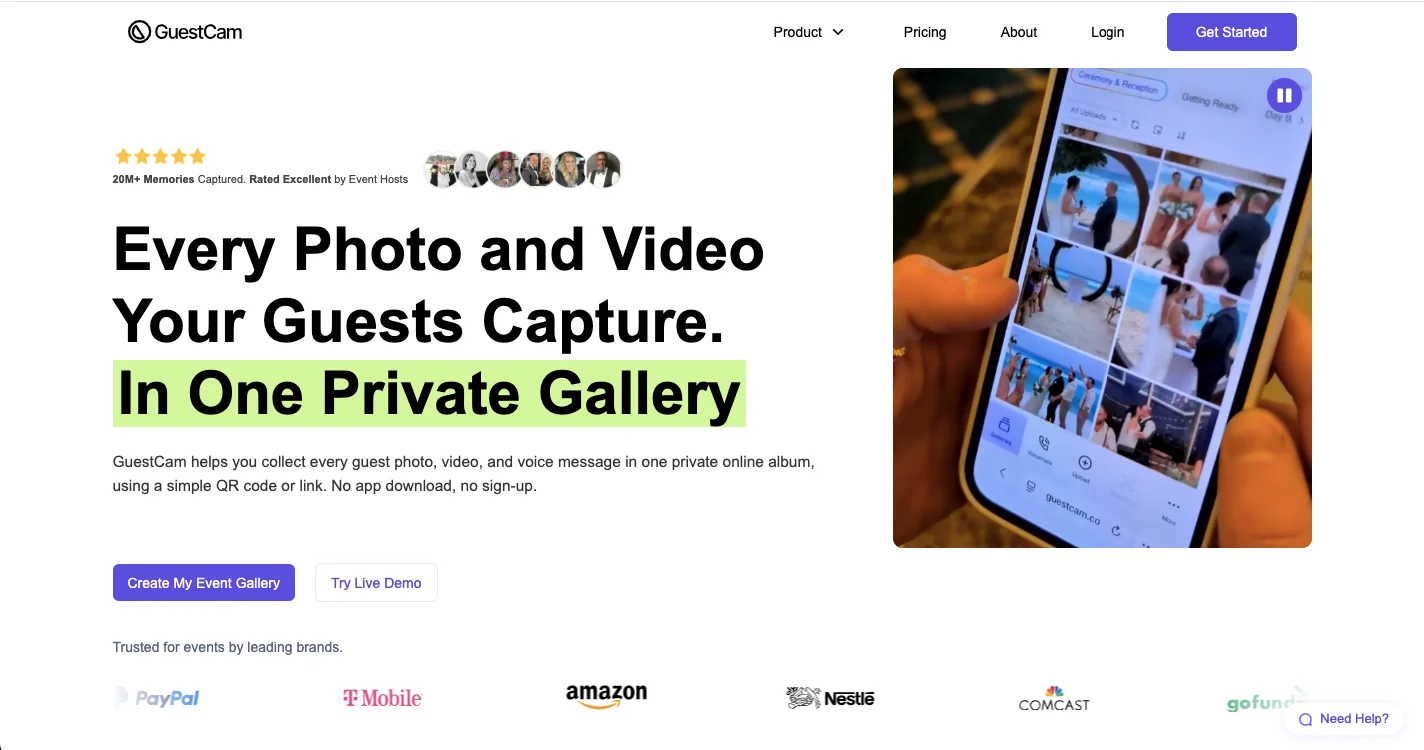
Best for: hosts who want guests to keep contributing for months after the event.
Guest experience: GuestCam's guest portal works in the browser without an app download or guest account.
Photo and video support: Both current plans include unlimited guests, photos, and videos. GuestCam states that it stores the original uploaded files without compression or resizing and provides one-click ZIP downloading.
Limits and retention: Standard provides a six-month upload window and 12 months of storage. Premium increases this to a 12-month upload window and 14 months of storage.
Live display and host tools: Both plans include a live slideshow, reactions, comments, Canva templates, an audio guestbook, and multilingual guest portals.
Price: Standard is currently $49 one time and Premium $97 one time.
Main limitation: The product is broader than a simple photo collection, and some specialized features such as MagicFind are paid add-ons. For a full breakdown, see our honest GuestCam alternative comparison.
Verdict: GuestCam stands out when long contribution windows, long storage, and unlimited media matter more than minimizing the number of features.
5. Fotify
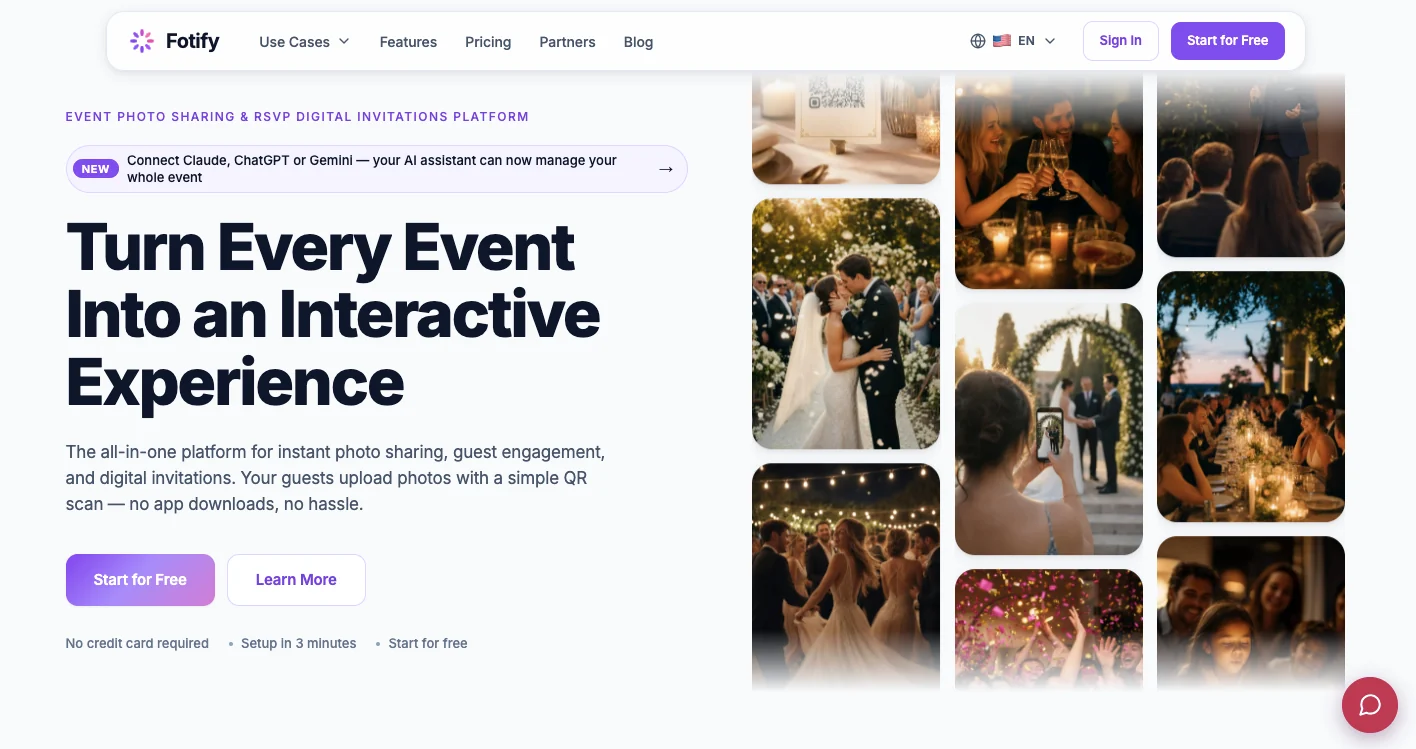
Best for: events that need photo collection, live presentation, moderation, and additional organizer tools in one system.
Guest experience: Guests can scan a QR code and upload in their browser without downloading an app or creating an account.
Photo and video support: The free tier supports up to 50 photos. Paid tiers add unlimited photo uploads, while Fotify's Premium event tier adds video uploads and Full HD image support.
Limits and retention: The Free Event has a seven-day upload window and seven days of gallery access. The current Premium Event lists a 90-day upload window and 365 days of gallery access.
Live display and host tools: Fotify includes a live photo carousel. Higher plans add capabilities such as AI-powered moderation, RSVP management, branding controls, digital invitations, and bulk downloading.
Price: A free event is available. Paid pricing varies by country and currency; the pricing page checked for this review displayed CHF 29.99 for Photo Gallery and CHF 49.99 for Premium Event.
Main limitation: The platform includes a large range of event-management features, which may be unnecessary for someone looking only for a private upload gallery.
Verdict: Fotify is better suited to hosts who see shared photos as part of the wider event experience rather than simply something to collect afterward.
6. Wedibox
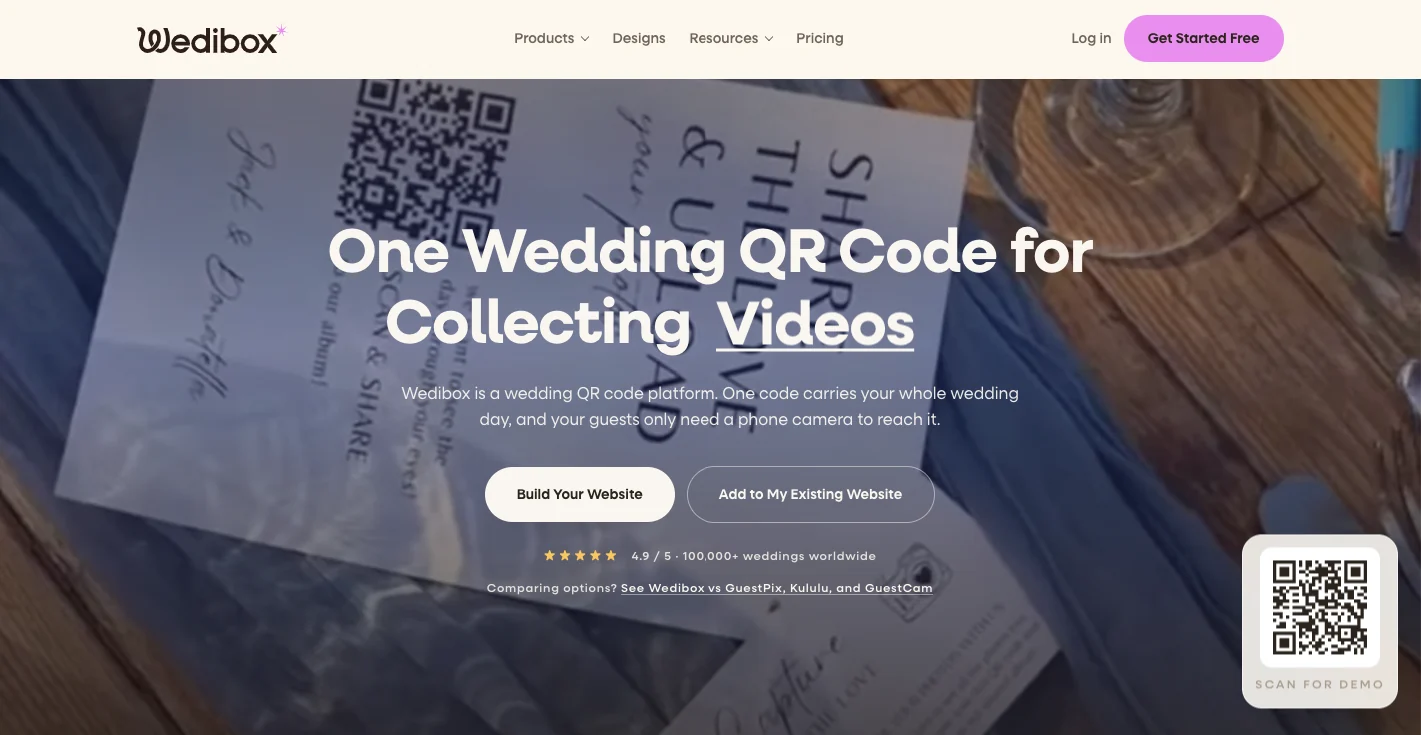
Best for: couples who want their photo-sharing QR code connected to other wedding tools.
Guest experience: Guests scan and upload photos, videos, or voice messages without downloading an app or logging in.
Photo and video support: The free plan supports 50 guest photo uploads. Paid plans provide unlimited photos and videos, with the Wedding tier including an original-quality ZIP download.
Limits and retention: Embed has a three-month upload window, Wedding six months, and All-In-One one year. Wedibox states that galleries are stored for one year after the event.
Live display and host tools: Depending on the plan, Wedibox combines photo sharing with a digital and audio guestbook, wedding website, live slideshow, RSVP management, seating chart, registry links, and shared playlist.
Price: Free, $29 for Embed, $49 for Wedding, and $79 for All-In-One, all currently structured as one-time plans.
Main limitation: If you already use another wedding website, RSVP platform, and seating tool, much of the broader feature set may duplicate systems you already have. For a full breakdown, see our honest Wedibox alternative comparison.
Verdict: Wedibox is one of the more logical choices when couples want to consolidate several wedding tools around one guest-facing QR code.
7. EventShare
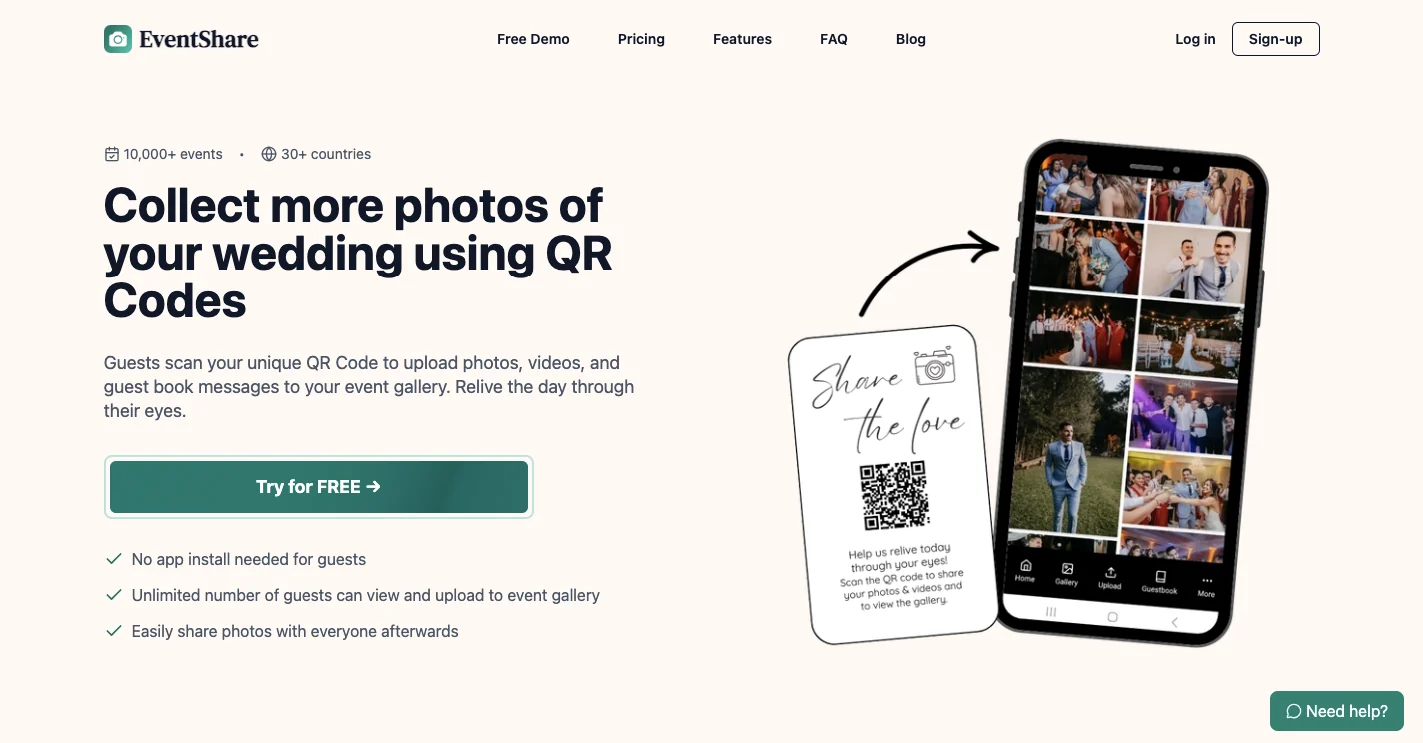
Best for: weddings and personal events where voices, messages, photos, and videos should form one digital keepsake.
Guest experience: Guests access EventShare through a QR code and browser without installing an app.
Photo and video support: The free plan includes 20 photos and limited video. Plus supports up to 500 photos, while Premium offers unlimited photos subject to EventShare's fair-use terms.
Limits and retention: Free provides two weeks of upload and viewing. Both current paid plans provide one year. Guest contributors are unlimited across all three tiers.
Live display and host tools: All tiers currently include a live slideshow plus written, audio, and video guestbook messages. Paid plans add Canva templates and collaborator access. EventShare also provides options for gallery privacy and moderation.
Price: Free, $47 Plus, or $97 Premium, with paid plans sold as one-time purchases.
Main limitation: The lower tiers have clear media caps, so an event expected to generate hundreds of guest photos may need a paid plan.
Verdict: EventShare is particularly relevant when collecting personal messages matters almost as much as collecting images.
8. WedUploader
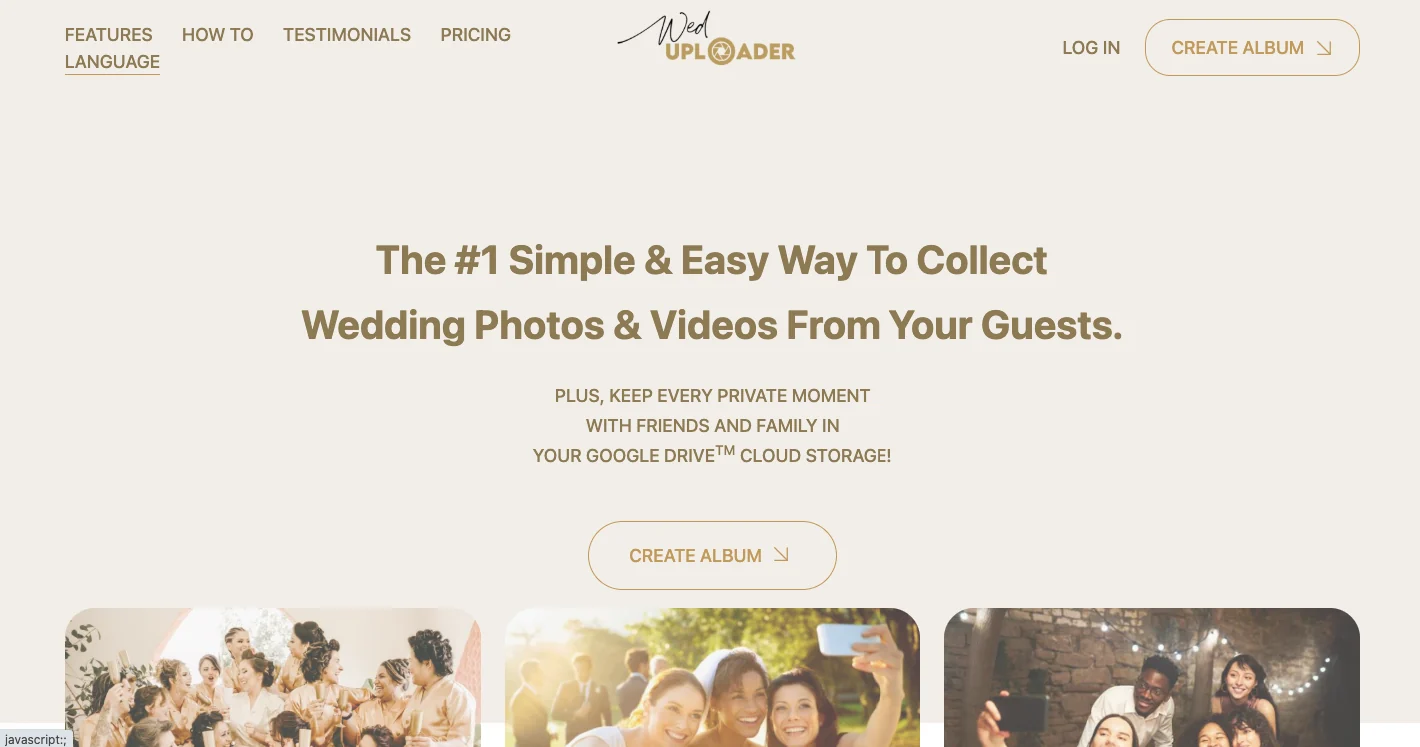
Best for: hosts who want uploaded files transferred directly into storage they control.
Guest experience: Guests contribute through the event link or QR code without a guest login.
Photo and video support: WedUploader currently offers unlimited photo and video uploads and states that files are retained in original high quality.
Limits and retention: WedUploader itself does not set an album expiration date. The practical storage limit depends on the Google Drive account connected to the service.
Live display and host tools: Features include a real-time gallery, full-screen slideshow, private guestbook, captions, voicemails, QR templates, customizable albums, and event managers.
Price: The current US price is $39 as a one-time purchase.
Main limitation: Your Google Drive capacity becomes part of the storage equation, so high-volume video collection may require additional Google storage.
Verdict: WedUploader has one of the clearest propositions in the category: guests upload through a dedicated event interface, but the files ultimately go into your own Google Drive.
9. Google Photos
Best for: smaller groups already comfortable using Google Photos.
Guest experience: Google Photos now lets album owners share a collaborative album through a unique QR code. Collaboration can be enabled so people with access can contribute photos and videos. Contributions are integrated with Google's account-based Photos experience rather than a dedicated anonymous event uploader.
Photo and video support: A standard Google Photos album can contain up to 20,000 photos or videos.
Limits and retention: Storage depends on the Google accounts involved and their available Google storage rather than an event-specific plan or retention window.
Live display and host tools: Google Photos provides collaborative albums, comments, likes, sharing controls, and QR access, but it is not designed around wedding signage, guestbooks, moderation queues, event branding, or venue photo walls.
Price: There is no separate event fee; normal Google storage rules apply.
Main limitation: The contributor flow is built around Google Photos rather than a purpose-built, account-free event upload experience.
Verdict: Google Photos is a strong free alternative and a practical group photo sharing app when everyone already uses Google services and event-specific presentation features are unnecessary.
10. Dropbox File Requests
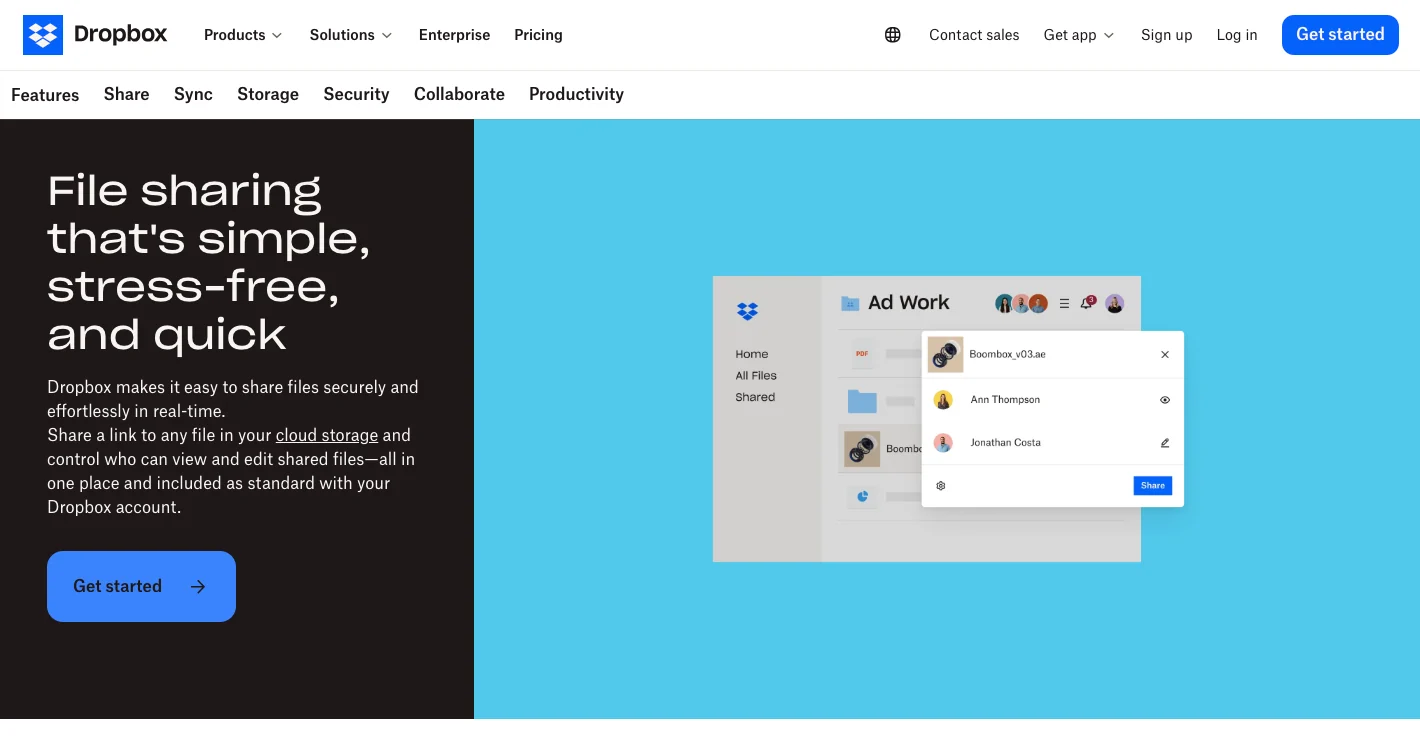
Best for: hosts who care more about receiving files than presenting an event gallery.
Guest experience: A Dropbox File Request allows someone to upload files without having a Dropbox account.
Photo and video support: Guests send files into the request owner's Dropbox storage. This works for event media but behaves more like a collection folder than a shared social album.
Limits and retention: Collected files use the request owner's available Dropbox storage, so capacity depends on the host's plan.
Live display and host tools: Dropbox is not designed to provide a live photo wall, digital guestbook, wedding page, or guest-facing event gallery.
Price: File collection depends on the Dropbox account and plan the organizer already uses.
Main limitation: Guests send files to you rather than participating in a shared event-photo experience.
Verdict: Dropbox File Requests are useful when your requirement is simply, "Put everyone's files in my folder." For an interactive wedding or party gallery, a dedicated photo sharing app for events provides a more relevant experience.
Which Event Photo Sharing App Should You Choose?
The feature list matters less than choosing a platform that fits how you intend to use it.
Choose a QR Code Photo Sharing App If...
Your main goal is:
- guests scan and upload
- no guest app or account
- photos and videos stay together
- you download everything afterward
- you do not need a full event-planning suite
GuestReel fits this use case particularly well because its product is centered on photo and video collection rather than a large set of adjacent wedding-management features.
Choose a Live Photo Wall If...
You want new uploads appearing on a projector, television, or venue screen during the event.
Kululu is explicitly built around its Live Photo Wall, while GuestCam, Fotify, GUESTPIX, Wedibox, EventShare, and WedUploader also document live slideshow or display capabilities.
Choose an All-in-One Wedding Platform If...
You still need several of these:
- RSVPs
- wedding website
- seating plan
- guestbook
- audio messages
- registry links
- photo sharing
Wedibox is particularly broad in this area, while GUESTPIX and Fotify also combine photo collection with additional event-management or guest-engagement features.
Choose Direct Storage If...
You want less dependence on a temporary vendor-hosted gallery.
WedUploader sends uploaded media directly to your Google Drive, while Dropbox File Requests send files into the Dropbox account you control.
Choose a Free Event Photo Sharing App If...
Your event is small, the guests already use the same ecosystem, and you do not need event-specific presentation or guestbook features.
Google Photos is the strongest option in this group because it supports collaborative albums and QR-code album sharing without requiring a separate event platform.
How to Get More Guests to Share Their Event Photos
Choosing the platform is only half the job. Guests still need to notice the QR code and understand why they should scan it.
Keep the Instructions Obvious
A QR code on its own forces guests to guess what will happen.
Pair it with one direct instruction:
Scan to add your photos and videos to our shared gallery.
There is usually no need to explain the technology.
Display the QR Code More Than Once
For weddings and parties, useful placements include:
- welcome sign
- reception tables
- bar
- guestbook table
- photo booth
- menus or programs
- venue screens
For conferences or company events, add it to presentation slides, table materials, or event signage.
If you are planning a wedding, the related guide on how to collect wedding photos from guests can go deeper into QR placement and guest reminders, or set up your own wedding photo sharing page in a few minutes.
Give One Well-Timed Reminder
Ask the DJ, MC, host, wedding party, or event organizer to mention photo sharing when guests are already taking pictures.
One relevant reminder usually feels more natural than repeatedly asking people to upload throughout the day.
Leave the Upload Link Open After the Event
Guests may find additional photos when reviewing their camera rolls later.
Check each platform's upload window before buying. They vary substantially: some remain active for days, others for several months, and some for a year.
Test the Actual Guest Flow
Before printing hundreds of QR cards:
- Scan the finished code.
- Open it on an iPhone.
- Open it on an Android phone if available.
- Upload several photos.
- Try a video.
- Confirm everything reaches the correct gallery.
- Test both venue Wi-Fi and mobile data where possible.
A browser-based event photo sharing app still needs a usable internet connection. If venue connectivity is poor, keep the link active after the event so guests can upload later.
The Bottom Line
The best event photo sharing app is the one that matches what happens after someone scans the QR code.
Choose GuestReel for focused photo and video collection, Kululu when the live photo wall is central, GuestCam when you need a long contribution window, Wedibox when you want broader wedding tools, or WedUploader when direct Google Drive storage matters most. Google Photos remains a useful free option for groups already comfortable with its ecosystem.
Before purchasing, compare guest friction, upload limits, retention, and the cost of the plan you would actually use. Then test the QR code as a guest before the event begins.
FAQ
What is the best photo sharing app for events?
For straightforward guest photo and video collection, prioritize a browser-based QR system with no guest account, clear upload limits, sufficient retention, and bulk downloading. GuestReel is a focused option; platforms such as Kululu, GuestCam, Fotify, GUESTPIX, Wedibox, and EventShare are stronger when additional slideshow, moderation, guestbook, or event-management features matter.
Can guests upload event photos without downloading an app?
Yes. GuestReel, GUESTPIX, Kululu, GuestCam, Fotify, Wedibox, EventShare, and WedUploader all currently document browser-based guest upload experiences that do not require an app installation.
What is the best free event photo sharing app?
Google Photos is a practical free choice for groups already using Google services. Dedicated platforms including GuestReel, Kululu, Fotify, Wedibox, and EventShare also provide free trials or plans, but their upload and retention limits make them better for testing or smaller events than unrestricted long-term use.
Can I create a QR code for a Google Photos album?
Yes. Google Photos allows shared-album owners to generate a unique QR code. Scanning the code takes the user to the shared album, and the album owner controls whether collaboration is enabled.
Are QR code photo sharing apps better than WhatsApp for events?
They solve a different problem. WhatsApp is designed for conversations, while an event photo-sharing platform is designed to collect media into a dedicated gallery. If you only need a few friends to exchange pictures, WhatsApp may be enough. For a larger event where you want one organized collection and a guest-facing QR code, a dedicated platform is usually better suited to the task.
What happens to my photos after the event?
It depends on the platform. GuestReel's current paid plans store media for 30 or 90 days, GUESTPIX Classic hosts galleries for 12 months, GuestCam stores them for 12 or 14 months, and Wedibox states that galleries remain stored for one year after the event. WedUploader takes a different approach by transferring files to the host's Google Drive.
Whatever service you choose, download and back up any event media you want to preserve permanently.